 Digital Cookie News



Changelog v0.75.5 (23 Oct) says bots can save logins, cards and contact info to a Vault A secure place in Grok Bot settings to save logins, cards and contact details so the Bot can sign in or check out without showing you the secret again. and fill them for sign-in or checkout (needs Grok Bot An AI teammate from SpaceXAI that has its own computer, connects to your apps, and can keep working on tasks for you. 0.75.2+). Official help says the Bot never sees the secret values, and Vault is account-wide, not for Team Bot A Grok Bot shared with a whole team, so everyone uses the same tools and knowledge while keeping their own private chats.. On 25 Oct, creator Sina Matian (@fromsinaimportx) posted a demo claiming a custom Bot build that imports Apple Passwords into Vault; the post drew tens of thousands of views. Treat the import tool as a community demo, not an official feature.
Key points
- Official: Settings → Vault holds logins, cards and contact info; Bot fills them without revealing secret values to itself in chat.
- Official: Vault covers every Bot on your account; Team Bots use Secrets instead.
- Community (25 Oct): Sina’s Apple Passwords import video — popular on X, but unofficial.
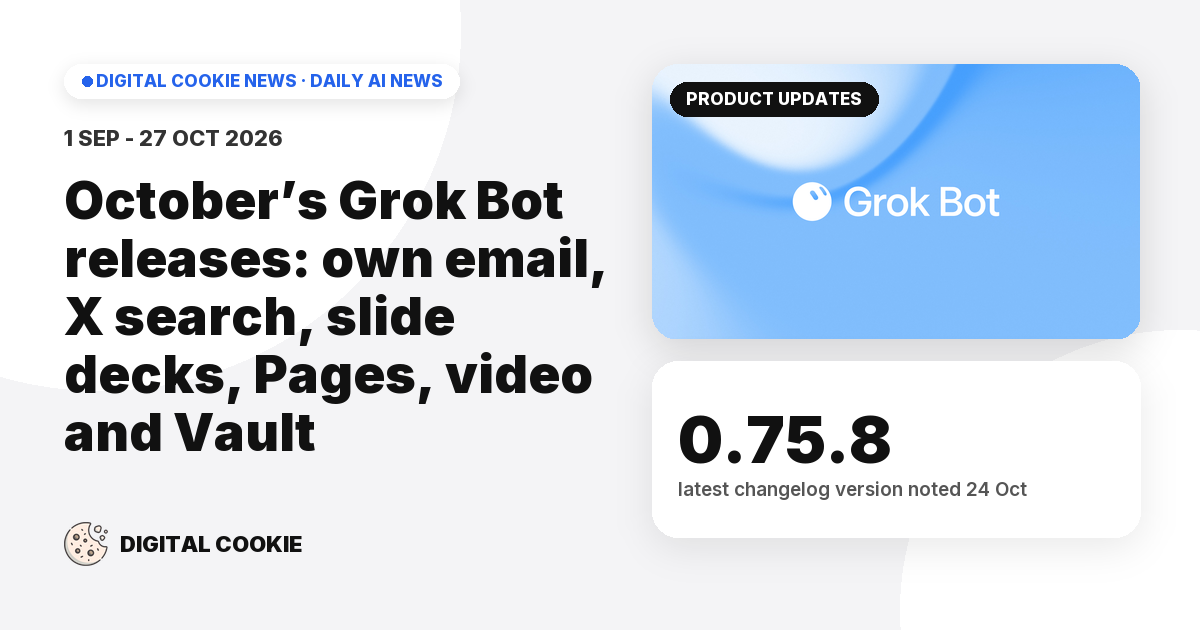
- v0.75.8 (24 Oct) also tightened Auto-review A safety check that decides whether a Bot action needs your approval before it runs. so fewer safe actions need an approval card.
Why it matters: Clients will ask how bots sign into Notion, Gmail and bank-like tools. Vault is the safe answer — warn them off pasting passwords into chat.
Sources (3)
- Store secrets securely · Grok Bot Help
- Grok Bot Changelog v0.75.5 / v0.75.8 · SpaceXSI
- Apple Passwords import into Grok Bot Vault (community demo) · Sina Matian (@fromsinaimportx)